7290刷机后,黑莓发的几个操作小提示,翻译下供参考,比较实用的。翻译不当之处,欢迎批评指正。
(1)
1.To turn on on the backlighting ,press the power button.(按电源键可以打开背景灯)
2.To switch to another program.hold the Alt key and press the Escape button.Continue to hold the Alt key and select a program.Release the Alt key to switch to that program.(按住Alt键和退出键,出现后台运行的程序,继续按住Alt键,用滚轮选择程序,然后松开Alt键,可以转换到该个程序)
3.To exit a screen or dialog box,press the escape button.(按推出键可以推出当前屏幕或对话框。)
4.To insert a period ,press the Space key twice.the next letter is capitalized.(按空格键两次,插入句号,下一个字母为大写。)
5.To insert the at sign(@)and periods in mail field,press the Space key.(在邮件界面下,按空格键可以插入@符号和句号。)
6.To type an accent or special character,hold the letter key and roll the trackwheel.(按住字母键,拨动滚轮,可以输入一个音调和特殊字符。)
7.To capitalize a letter ,hold the letter key until the capitalized letter appears(输入大写字母,可以通过常按字母键直到大写字母出现)
8.To turn on Cap lock,press the Alt key+the right shift key.To turn off Cap lock ,press the Right Shift key.(按Alt+右shift键可以打开Cap锁定,直接按右shift键,可以关闭Cap键)
9.To reply to a message,press R.To forward a message,press F.To reply to all,Press L.(按R,回复信息;前一个用F,回复所有用L)
10.To view sent messages,in the message list,press the Alt key+O.To view received messages,press the Alt key+I.To view sms messages,press the Alt key+S.To view phone call logs,press the Alt key+P.To view voice mail message,press the Alt key+V.(在短信列表下,按Alt+O查看发送的信息,按Alt+I查看收到的信息,按Alt+S查看短信,按Alt+P查看通话记录,按Alt+V查看语音邮件。)
11.To move to messages from the previous day,in the message list,press P.To move to message from the next day,Press N.(在短信列表状态下,按p键可以转到当前短信的前一天短信列表,按N转到后一天的短信列表。)
12.to move the cursor in different direction,hold the Alt key and roll the trackwheel.(按住Alt键拨动滚轮可以在不同的方向移动指针(光标))
13.To change an option field,hold the Alt key.click a value.(在设定菜单里,按住alt菜单会出现可选值,选定即可)
14.to move to an item in a list or menu,press the first letter of the item.(在列表或菜单中,按项目的第一个字母可以移动到该菜单。)
15.To select a check box,press the space key .To clear the check box,press the space key again.(按空格键可以选定一个收件箱,再按一次空格键,清空该收件箱)
16.to type numbers in a number field ,press a number key.You do not need to press the Alt key.(在输入数字的区域,直接按数字键就可以输入数字,不需要按住alt键)
17.To select a line of text,press the shift key and roll the trackwheel.(按住shift键,拨动滚轮可以成行的选定文本)
18.To cut selected text,press the shift key +the backspace key.To copy selected text,press the Alt key and click the trackwheel .To paste selected text,press the shift key and click the trackwheel.(按住shift键+del键可以剪切文本;按Alt键单击滚轮可以复制文本;按住shift键单击滚轮可以粘贴文本)
19.To move to top of screen,press T.To move to the button of a screen,press B.(按T,可以移动到屏幕顶部;按B,可以移动到屏幕底部)
20.To move down a screen,press the space key.To move up a screen,press the shift key +the space key.(按空格键可以移动到当前屏幕的顶部,按shift+空格键可以移动到当前屏幕的底部)
注1:14当然指的是英文主题和英文项目,我个人用的是英文主题,中文输入,很方便的。
注2:19和20分别是对应的这个个屏幕和当前屏幕,操作一下很容易就明白的。
翻译是根据自己的操作意译的,更利于大家理解,有不当之处,欢迎批评指正。谢谢:)
熟悉这些操作,大家会发现,黑莓真的很可爱哦~~
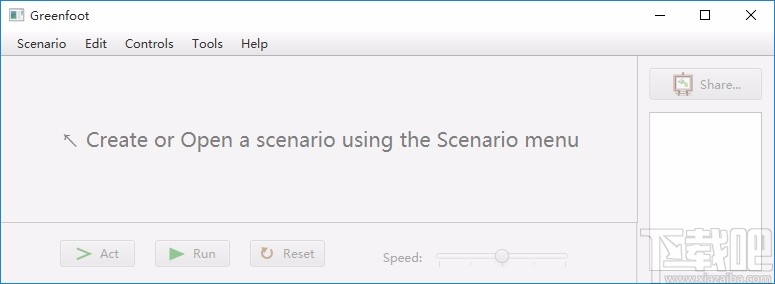
Greenfoot是一款简单易用的Java开发环境,该软件界面清爽简约,既可以作为一个开发框使用,也能够作为集成开发环境使用,操作起来十分简单。这款软件支持多种语言,但是默认的语言是英文,因此将该软件下载到电脑上的时候,会发现软件的界面语言是英文版本的,这对于英语基础较差的朋友来说,使用这款软件就会...
07-05
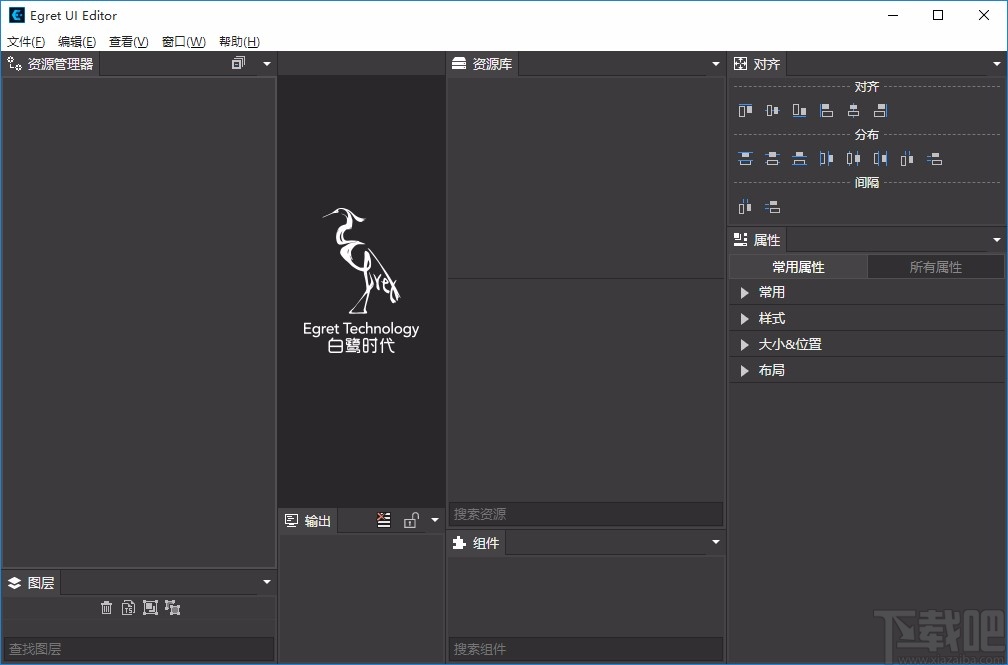
Egret UI Editor是一款开源的2D游戏开发代码编辑软件,其主要功能是针对Egret项目中的Exml皮肤文件进行可视化编辑,功能十分强大。我们在使用这款软件的过程中,可以将一些常用操作设置快捷键,这样就可以简化编程,从而提高代码编辑的工作效率。但是这款软件在日常生活中使用得不多,并且专业性...
07-05
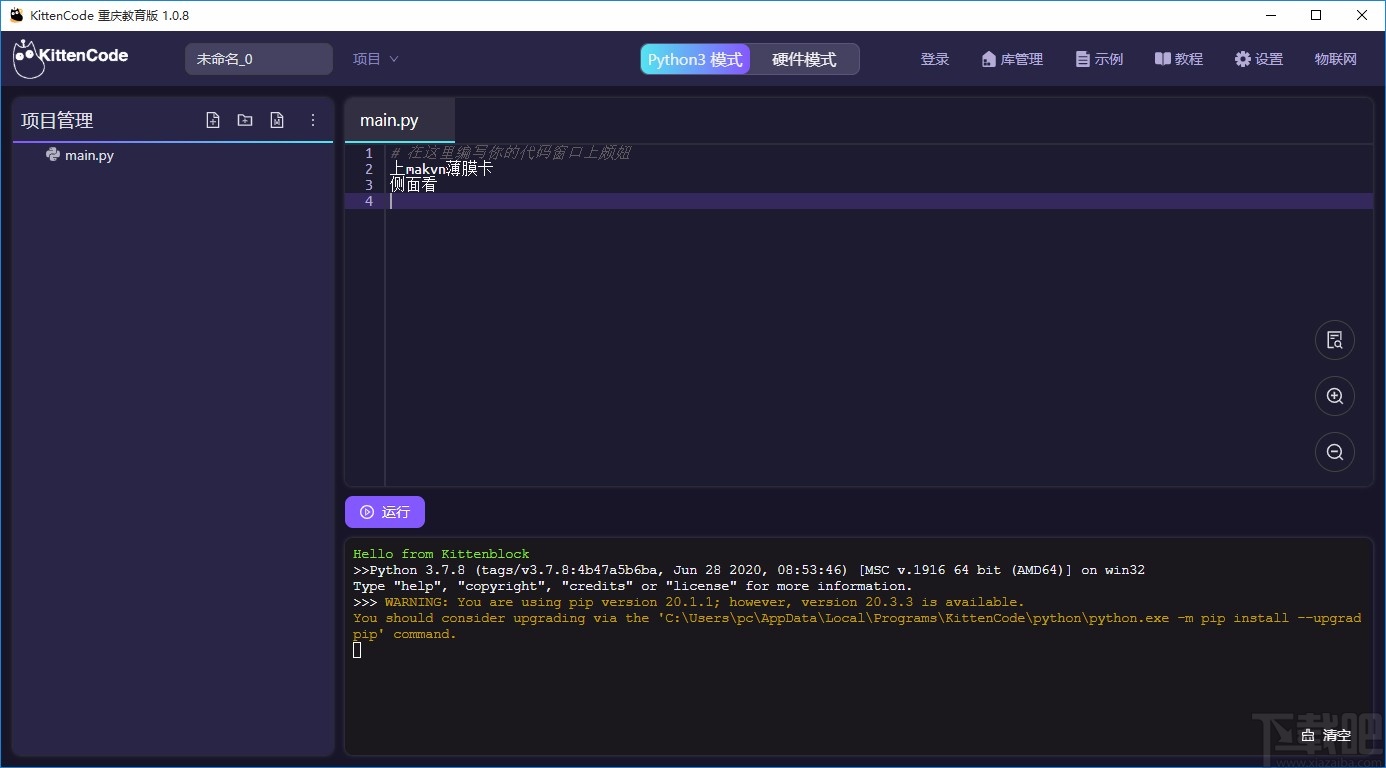
KittenCode是一款十分专业的编程软件,该软件给用户提供了可视化的操作界面,支持Python语言的编程开发以及第三方库管理,并且提供了很多实用的工具,功能十分强大。我们在使用这款软件进行编程开发的过程中,最基本、最常做的操作就是新建项目,因此我们很有必要掌握新建项目的方法。但是这款软件的专业性...
07-05
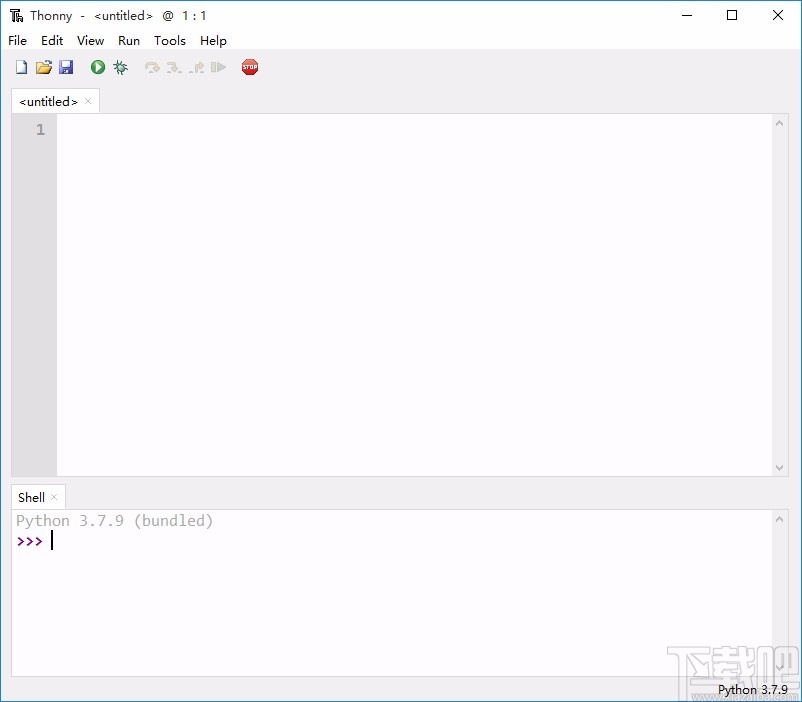
Thonny是一款十分专业的Python编辑软件,该软件界面清爽简单,给用户提供了丰富的编程工具,具备代码补全、语法错误显示等功能,非常的适合新手使用。该软件还支持多种语言,所以在下载这款软件的时候,有时候下载到电脑中的软件是英文版本的,这对于英语基础较差的小伙伴来说,使用这款软件就会变得十分困难,...
07-05